Co Managed IT Solutions Services:
The Best Fit for Growing Firms In the fast-moving business world of today, technology can either ensure a smooth run for your business and help you work towards achieving your long-term goals.
But maintaining IT infrastructure, systems, and services can be an overwhelming challenge, particularly for small to midsize businesses (SMBs). That’s where co-managed IT solution comes in, offering the best of both worlds between an internal IT department and an MSP.
Co-managed IT services give companies a cooperative method of managing their IT with an MSP while still being in control over certain aspects of their network.
Such a model can be most beneficial to organizations seeking to streamline their IT infrastructure quickly without the pain of having everything disposed of in-house.
What Are Co-managed IT Solutions?
What is co-managed IT services? Under this model, businesses can delegate part of the IT infrastructure management work (maintenance, monitoring) to an MSP and keep control over strategic decision-making.
The idea is that businesses can gain access to the specialist knowledge, technology, and resources without having to employ a fully formed in-house IT team. It’s the best of both worlds, enabling companies to add IT capacity and run their operations smoothly.
Benefits of Co-managed IT Solutions

Expertise and Knowledge Sharing
These are a few of the benefits of co-managed IT services:
- Pool of Experts: One of the greatest perks of using a co-managed IT solution is that you gain access to more professionals. Most companies find that managing complex IT tasks is out of their depth or beyond their internal capabilities.
- Through teamwork with an MSP, you can gain access to expert knowledge and skills in areas such as cybersecurity, cloud services, and network management.
- This not only helps keep your organization running smoothly but also keeps you ahead of the curve during a time of rapid technological advancement.
Cost Efficiency
It can be costly to have an in-house IT staff, especially for a small to medium business. With co-managed IT services, companies can cut down on costs associated with employee benefits by simply using the resources that an MSP provides rather than hiring, training, and investing in infrastructure.
Scalability
Your IT needs grow as your business grows. With a co-managed IT solution, it is possible to adjust your IT services based on need. As you grow your team or transition to new software platforms, your IT system will follow suit, ensuring that you stay lean and nimble.
Focus on Core Business
Through co-managed IT services, companies can transfer everyday IT responsibilities — like system monitoring, maintenance, and support — to the MSP. This means your internal team can concentrate on what they do best, helping to increase business efficiency and growth without the distractions of dealing with IT.
Enhanced Security
Cybersecurity is more critical than ever. Co-managed IT services give your business enterprise-level security to keep you safe from cyberattacks, data hacks, and system crashes.
An MSP can set you up with proactive security measures, ensure that everything from the hardware to the applications are up to date, and maintain a round-the-clock watch over your network, which in turn helps protect against potential weaknesses.
24/7 Support
A lot of co-managed IT services come with 24/7 support, meaning that when you encounter a problem, day or night, your business will be able to address it. This literally removes downtime and the disruption of operational hiccups, ensuring peace of mind for managing crew as well as all other functions.
Core Features of Co-managed IT Services
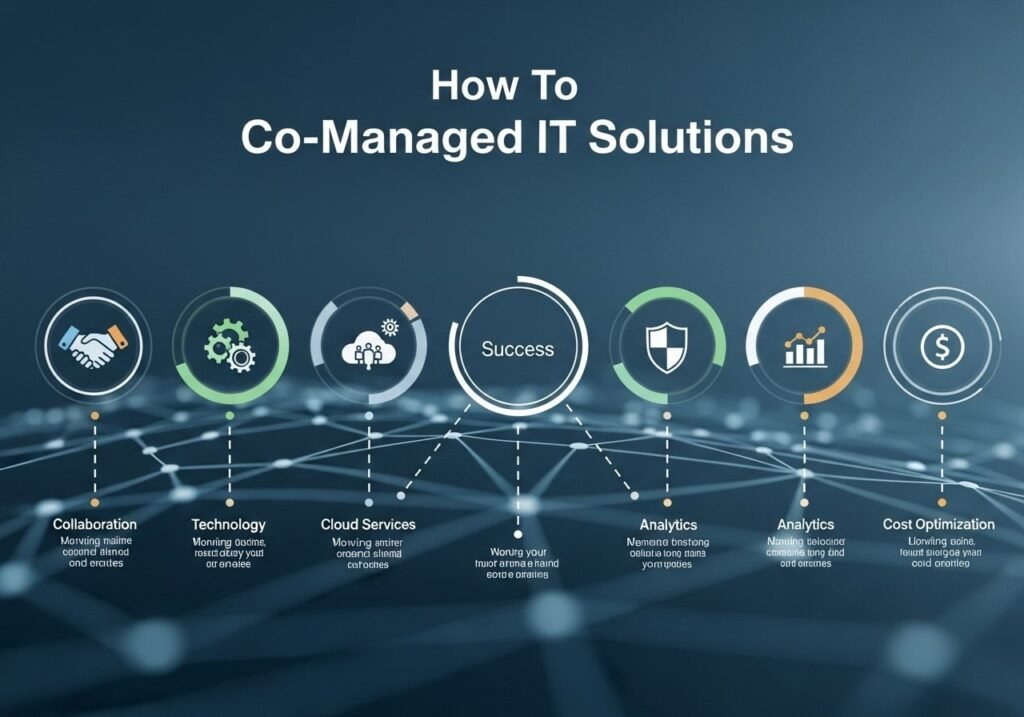
A complete co-managed IT solution should include the following services to keep your business running properly:
- Network and Infrastructure Management: Network connectivity, servers, and system infrastructure.
- Cloud Services: Handling cloud-based applications, storage, and backup.
- Cyber Security: Firewalls, antivirus software, encryption, and data protection.
- Help Desk Support: Providing technical support as requested by staff.
- Data Backups and Recovery: Maintaining backups of company data and developing disaster recovery plans.
- Software Management: Updating and managing software applications, operating systems, and tools.
- IT Strategy and Consulting: Providing advice for future IT development and planning.
Who Needs Co-managed IT Solutions?
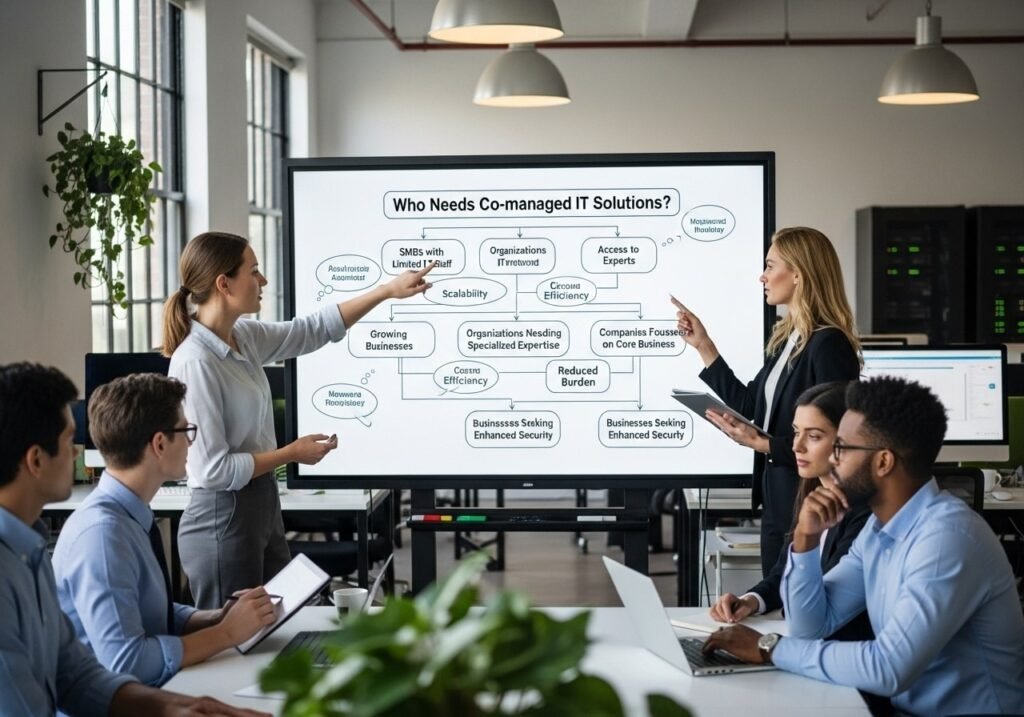
Co-managed IT services are a good fit for companies that already employ an in-house technology team but require additional support in specific areas. This includes companies that:
- Have growing IT needs but shrinking resources.
- Have no experience in niche fields such as cybersecurity or cloud infrastructure.
- Are interested in taking the burden off of their in-house IT department.
- Strive to modernize their IT systems and need outside help.
- Want a solution that allows them to concentrate more on the strategic part of their business, rather than day-to-day IT grunt work.
How Co-managed IT Solutions Work
Co-managed IT services entail a clear definition of roles and responsibilities between you and your in-house IT staff and the managed service provider (MSP).
While the MSP manages day-to-day IT workloads ranging from system monitoring to troubleshooting, your internal team’s efforts are better spent on strategic decisions involving network architecture planning and forward-thinking IT strategies.
Common Co-Managed IT Services: What It Is and Why Do You Need It?
- Assessment and Planning: The MSP will assess your current IT infrastructure, determine weaknesses, and provide solutions based on your unique business needs.
- Delegated Tasks: Both your internal IT team and the MSP have specific tasks. The MSP manages operational IT, while your in-house team works on strategic IT issues.
- Continuous Monitoring and Maintenance: Your MSP is monitoring systems around the clock, so everything is working as it should, fixing problems before they turn into something bigger.
- Recurring Maintenance: Your MSP collaborates with your in-house IT staff to ensure the regular enhancement of your IT systems by staying current on industry best practices and technology progression.
FAQs
Q1: How do co-managed IT services differ from managed IT services?
A: In full IT managed services, the MSP takes complete responsibility for all technology operations; the client is less engaged. With co-managed IT, businesses work with the MSP, splitting responsibilities and holding on to control over some of their IT operations.
Q2: Can I grow my co-managed IT services as I grow?
A: Yes, co-managed IT services are very scalable. You may scale up or scale down the type and quantity of IT support or services provided based on what is most suitable for your business needs.
Q3: Can co-managed IT services enhance the cybersecurity strength of my business?
A: Absolutely. With co-managed IT services comes added security in the form of firewall installations, antivirus software, and protection, along with the vigilance to keep a close eye on any potential threats that may try to disrupt operations or steal your valuable digital assets.
Q4: When should I choose co-managed IT solutions?
A: Co-managed IT services are great when you have an existing internal IT team but require additional assistance with certain specialist areas or wish to outsource many of the mundane day-to-day tasks associated with IT management.
If your IT staff is stretched too thin or lacks the necessary skills, co-managed IT services can help bridge that gap.
Q5: What’s the relationship like between my internal IT department and the MSP?
A: The MSP serves as an extension of your internal IT department and will take over many aspects of the day-to-day management of IT, allowing your team to concentrate on making high-level tactical decisions about the role technology plays at your organization. Roles and responsibilities are neatly specified for seamless collaboration.
Q6: What are the benefits of working with a company that provides co-managed IT services vs. fully outsourcing all of our IT?
A: The advantage of co-managed IT services is that the organization maintains control over high-level IT decisions and offloads lower-level management to the MSP. This mixed methodology means you benefit from robust support without losing sight of your IT activities.
Q7: What is the cost of co-managed IT services?
A: The price of co-managed IT services will vary depending on the size of your company, how much support you require, and what the makeup of your IT is. However, they can be cheaper than having an in-house team or contracting out all of IT.
Q8: I’m using a fully managed service, can I move to co-managed IT services?
A: Yes, businesses may transition to co-managed IT solutions if they discover that they require greater control over certain IT functions. The transition will require you to look at what you and your team are currently doing, then work with the MSP to redefine roles and responsibilities.
Conclusion
Co-managed IT solutions are a cost-effective, highly scalable solution for businesses to address their IT requirements. Companies can benefit from domain expertise while maintaining control over essential IT operations by working with a capable managed services provider.
This agile model allows companies to streamline IT operations, strengthen security, and concentrate resources on the core business by minimizing operational expenses.
And whether you want to lighten the load of your internal IT department, power your growth strategy, or enhance your security measures, co-managed IT solutions deliver custom-built services that fit your unique business.
Partner with a reliable MSP and gain the upper hand on your competitors by taking your IT infrastructure to the next step.